 Stlitho
Lithophane maker: turn a photo into a backlit panel
This lithophane maker converts a photo into a thin panel that shows the picture when light shines through it. Choose the image, set the thinnest and thickest values, preview the panel in 3D and download a lithophane STL or 3MF.
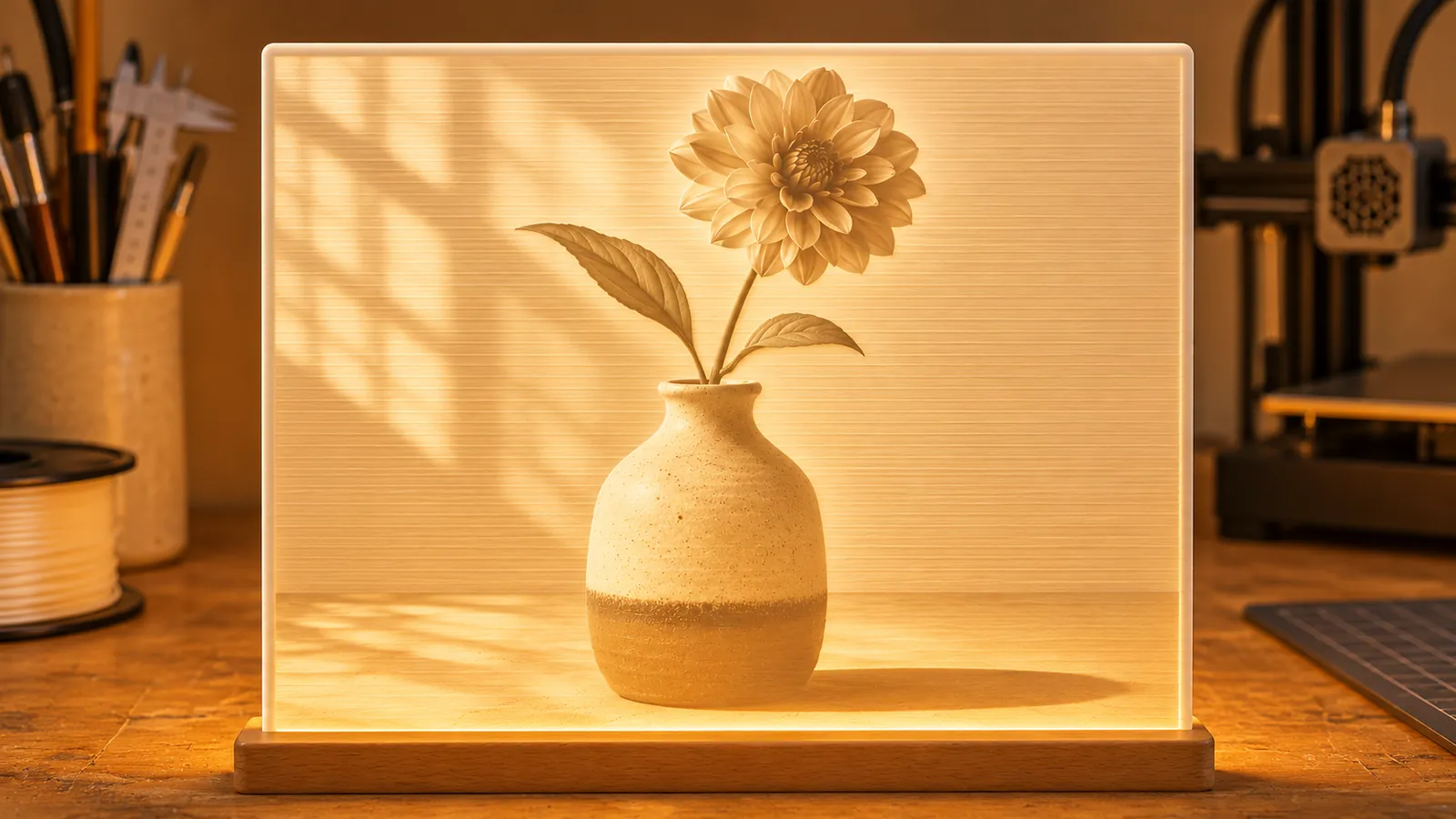
A lithophane works by blocking light. Dark parts of the photo become thick plastic, bright parts become thin plastic, so the picture only appears with a light behind it.
JPG, PNG or WebP. Your image stays on this device; program libraries load from a public CDN.
Thickness, relief depth and border
Choose an image to start your model.
Make a lithophane in three steps
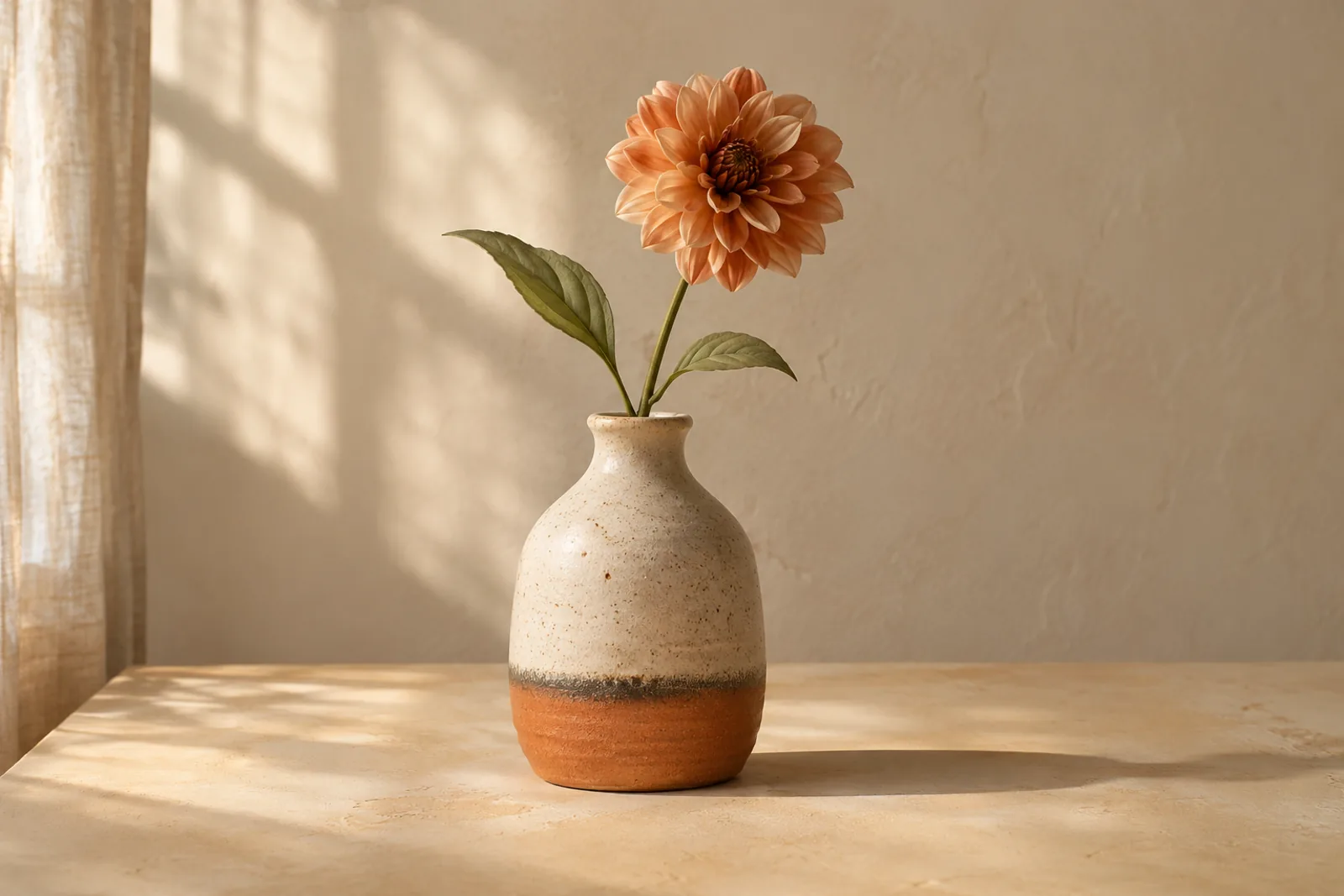
Choose a photo
Portraits and scenes with a clear subject work best. The photo is processed in your browser and is not uploaded.
Set thickness and shape
Open Thickness, relief depth and border. Thinnest is the plastic left under the brightest pixels, thickest is used for the darkest. Pick Flat for a panel or Arc for a curved one.
Preview and download
Press Preview model, rotate the panel to inspect it, then download the lithophane STL or 3MF.
Lithophane shapes in this maker
The shape decides how the panel stands and how the light reaches it. Width means the length of the picture along the surface, so a curved panel keeps the same amount of image as a flat one.
| Shape | What you get | Access |
|---|---|---|
| Flat | A straight panel for a frame or a light box. | Free |
| Arc | The picture bent through a quarter turn, which lets a panel stand on its own edge. | Free |
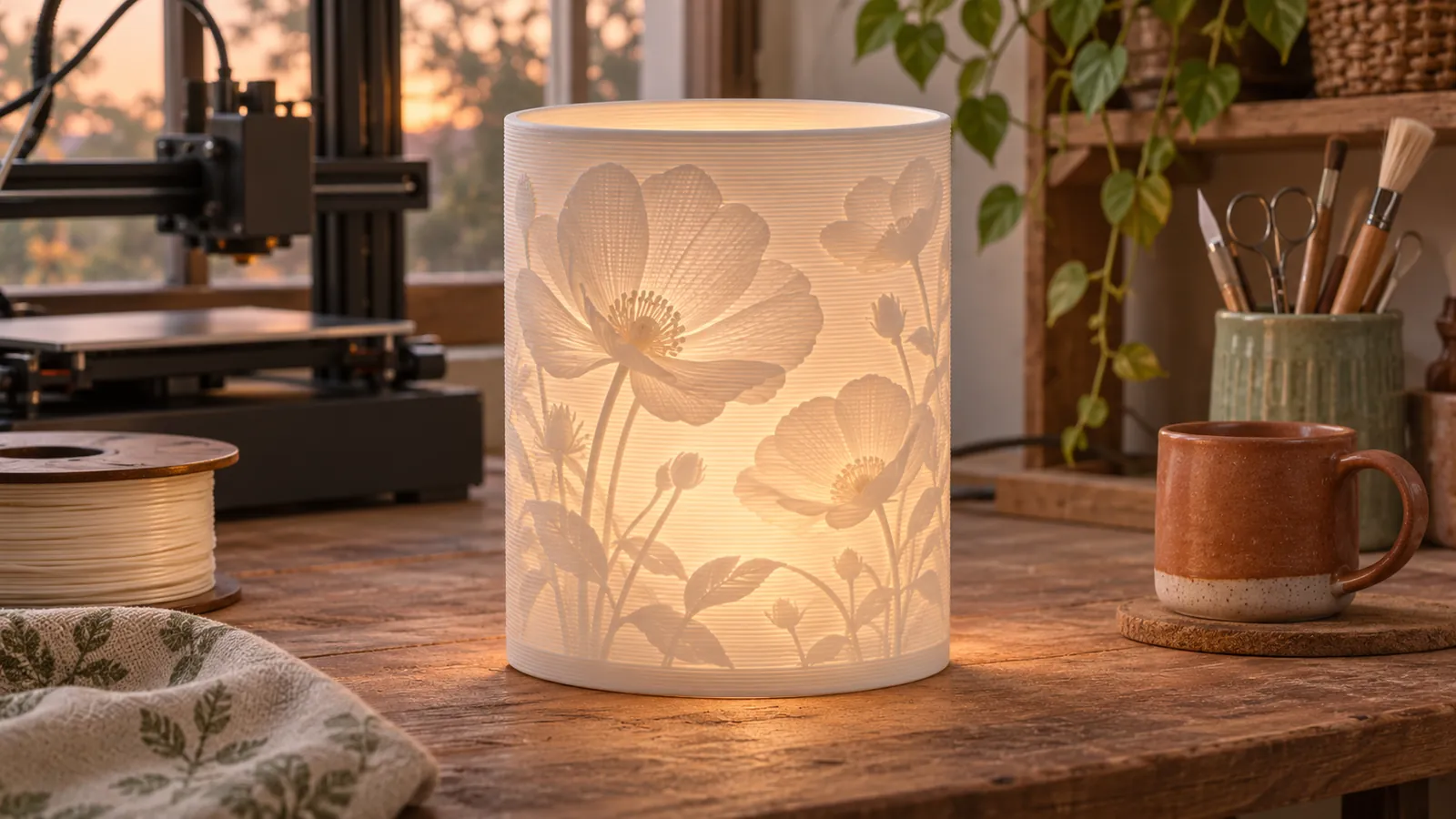
| Cylinder | The picture wrapped all the way round, for a light placed inside. | Pro |
| Lamp shade | A full wrap that narrows toward the top by about a third. | Pro |
Thinnest and thickest: where to start
The maker starts at 0.8 mm thinnest and 3 mm thickest. Thinnest has to be thick enough for your printer to lay down solid plastic; thickest has to be thin enough that some light still gets through your material.
There is no single correct pair of values, because filament color and the light source change the result. Print a small test at the defaults, hold it to the light you plan to use, and move one value at a time. If the picture looks like a negative when lit, the panel is fine: leave Invert brightness off for a lithophane.
What the lithophane generator includes
Flat and arc lithophanes are free with no sign-in. Wrapped shapes and denser grids are part of the Pro unlock.
- Flat and arc lithophanes
- Up to 128 columns
- Adjustable thinnest, thickest, smoothing and border
- STL and 3MF download
- Cylinder and lamp shade lithophanes
- More than 128 columns
- One-time unlock on your account, paid with credits
Lithophane maker questions
Is a lithophane generator different from a lithophane maker?
No. Both names describe the same job: converting a photo into a panel of varying thickness. This page does that and exports the result as STL or 3MF.
Why does the preview look like a gray slab instead of my photo?
The 3D preview shows the surface shape under ordinary light. The picture appears only when the printed panel is lit from behind, because it is formed by how much light each area lets through.
What does the border setting do on a lithophane?
It makes a frame of the width you enter at full thickness around the picture, which stiffens the panel and gives a clean edge for a holder.
How many columns does a lithophane need?
More columns keep finer detail but make a heavier file. Start at 64 to check the framing, then raise it toward 128 for the export you print.