 Stlitho
Image to STL: turn a photo into a printable model
Choose a JPG, PNG or WebP image and this image to STL converter builds a flat lithophane or a shallow relief from its brightness. Set the size in millimeters, check the 3D preview, then download an STL or 3MF for your slicer.
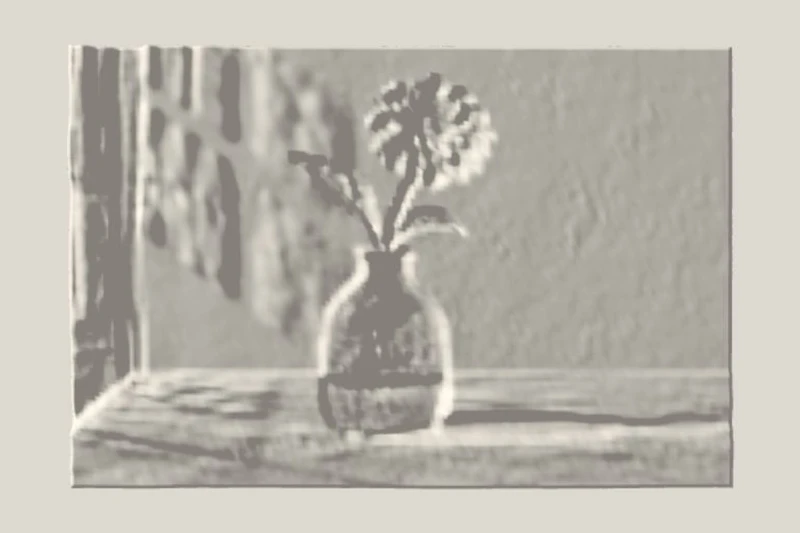
Brightness becomes thickness. A lithophane gets thinner where the photo is bright; a relief gets taller. The tool does not rebuild the hidden sides of an object, so it is not a photo-to-3D-scan.
JPG, PNG or WebP. Your image stays on this device; program libraries load from a public CDN.
Thickness, relief depth and border
Choose an image to start your model.
How the image to STL converter works
Choose an image
Pick a JPG, PNG or WebP you have the right to use. It is read by your browser and is not uploaded. No photo at hand? Try the sample gradient to see how the tool behaves.
Set the size and preview
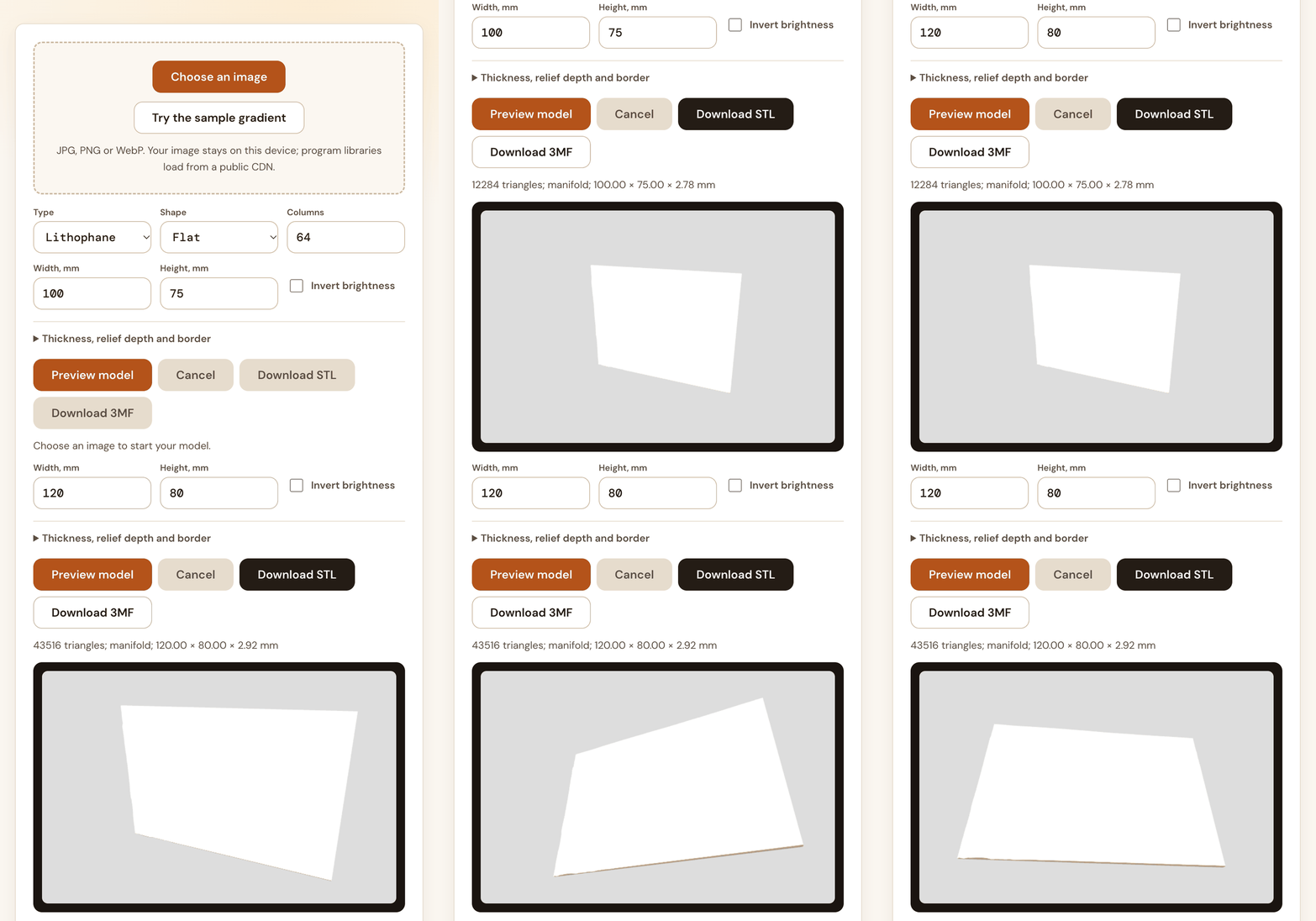
Type the width and height in millimeters, pick lithophane or relief, and press Preview model. The status line reports the triangle count and the model's outer dimensions, and you can rotate the 3D preview.
Download the STL or 3MF
Both formats come from the same mesh. Open the file in your slicer and confirm the size in millimeters before you print.
What each setting changes
Every number in the maker is a physical measurement or a grid count. These are the defaults the tool starts with and what each one does to the exported model.
| Setting | Starts at | What it does |
|---|---|---|
| Columns | 64 | How many samples run across the width. More columns keep more detail and produce more triangles. Free exports go up to 128 columns. |
| Width and height | 100 × 75 mm | The outer size of the panel. Rows are worked out from the columns so the pixels stay square. |
| Thinnest and thickest | 0.8 and 3 mm | Lithophane only. Bright areas use the thinnest value, dark areas the thickest. |
| Relief base and depth | 1 and 2 mm | Relief only. A solid base with up to the depth value added on top where the image is bright. |
| Smoothing | 0 | Averages each sample with its neighbors, up to 5 passes, to soften noise. |
| Border | 0 mm | Adds a flat frame of that width around the picture. |
| Invert brightness | Off | Swaps which end of the brightness range is thick or tall. |
Pick a photo that survives the conversion
A model made from image brightness can only show what brightness carries. Photos with a clear subject and a wide range from dark to light keep their shape; flat, hazy or very busy pictures turn into noise.
Crop to the subject before you start, and match the width and height in the maker to the crop's proportions so the picture is not stretched. The sample gradient at 64 columns and 100 × 75 mm produces a model of 12,284 triangles, which is a quick way to check your slicer opens the file.
Free and Pro
The free maker is not a trial: it exports real STL and 3MF files. Pro is a one-time unlock on your account for the heavier options.
- Flat and arc shapes
- Lithophane and relief types
- Up to 128 columns
- STL and 3MF download
- No sign-in needed
- More than 128 columns, within the tool's limit of 100,000 samples per model
- Cylinder and lamp shade shapes
- Unlocked once per account with credits after you sign in with Google
Questions about converting an image to STL
What does this image to STL converter create?
A closed, printable mesh whose surface follows image brightness: a lithophane that varies in thickness, or a relief that rises from a base. It is a height map, not a 3D reconstruction of the object in the photo.
Is my image uploaded?
No. The image is decoded and converted inside your browser. The page does download its 3D and zip libraries from a public CDN, but your image is not sent anywhere.
Why does the status line say the resolution is too large?
The maker stops at 100,000 samples per model to stay responsive. Lower the columns, or reduce the height relative to the width.
STL or 3MF: which should I download?
Both contain the same mesh. STL is accepted by nearly every slicer. 3MF stores millimeters as its unit, which avoids scale mistakes in slicers that support it.